
← All videos
Getting Started
Updating Your Scorecard
How to log this week's number for one of your metrics.
Step by step
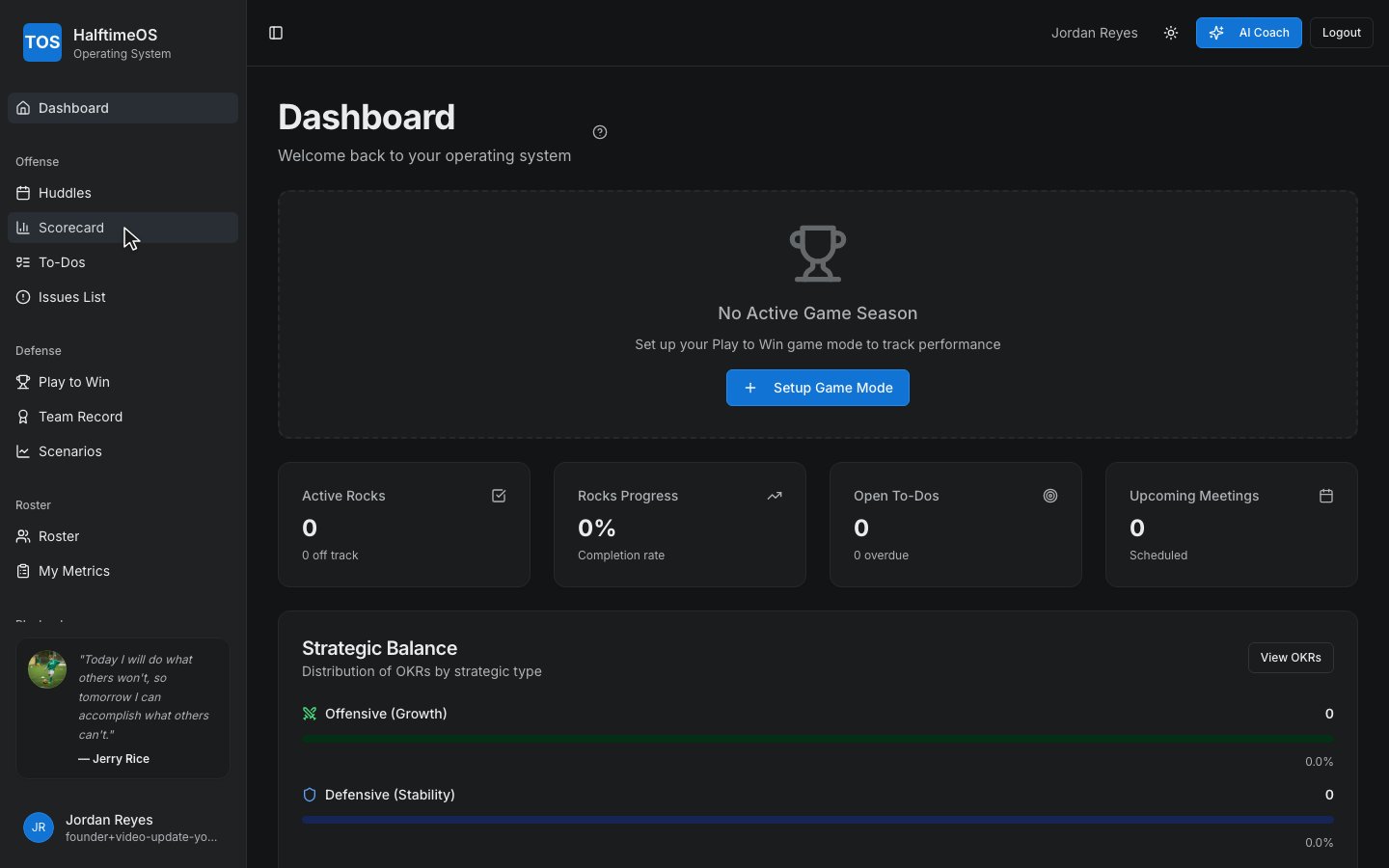
Step 1
Open your Scorecard from the sidebar.
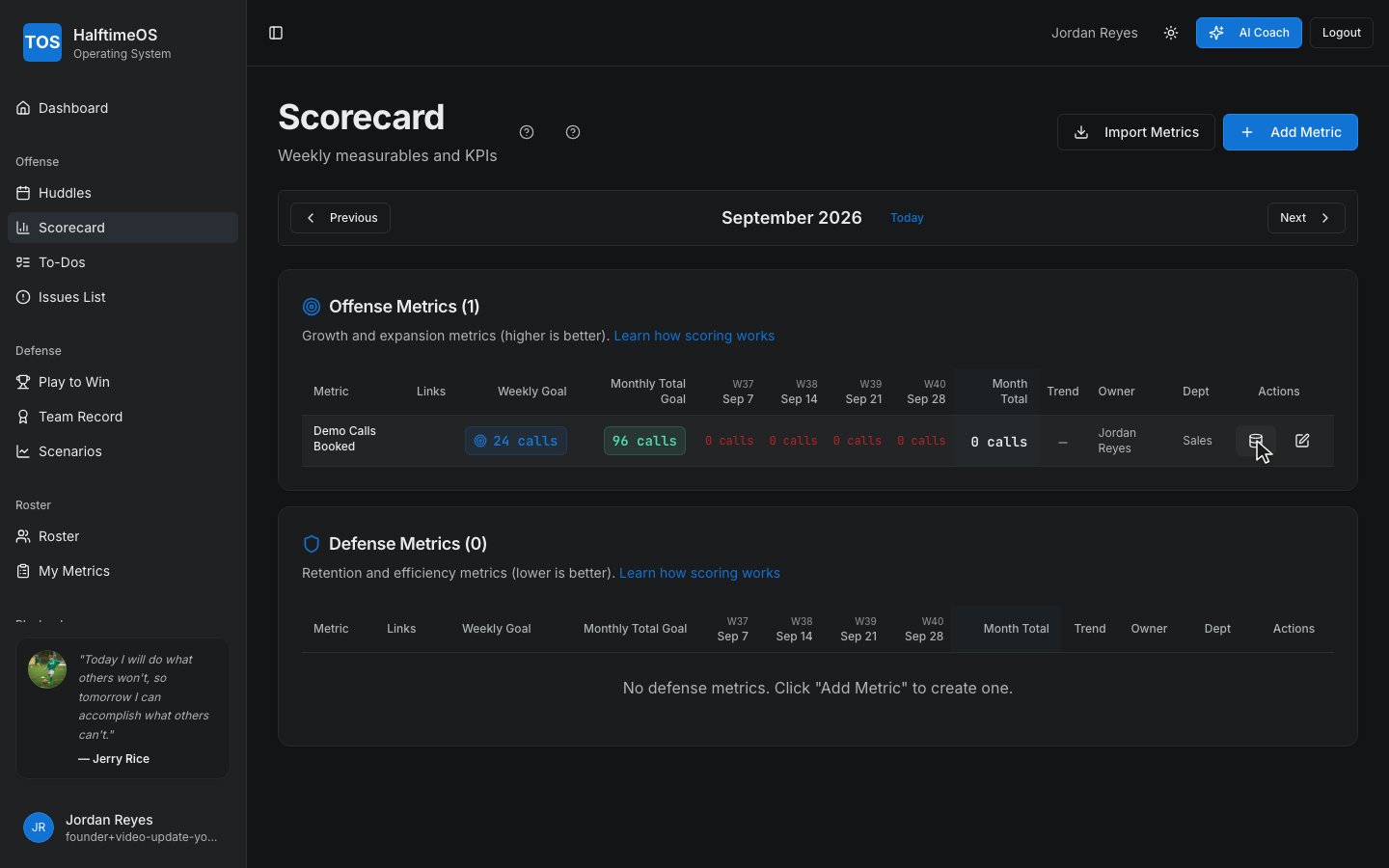
Step 2
Find your metric, and open up its data.
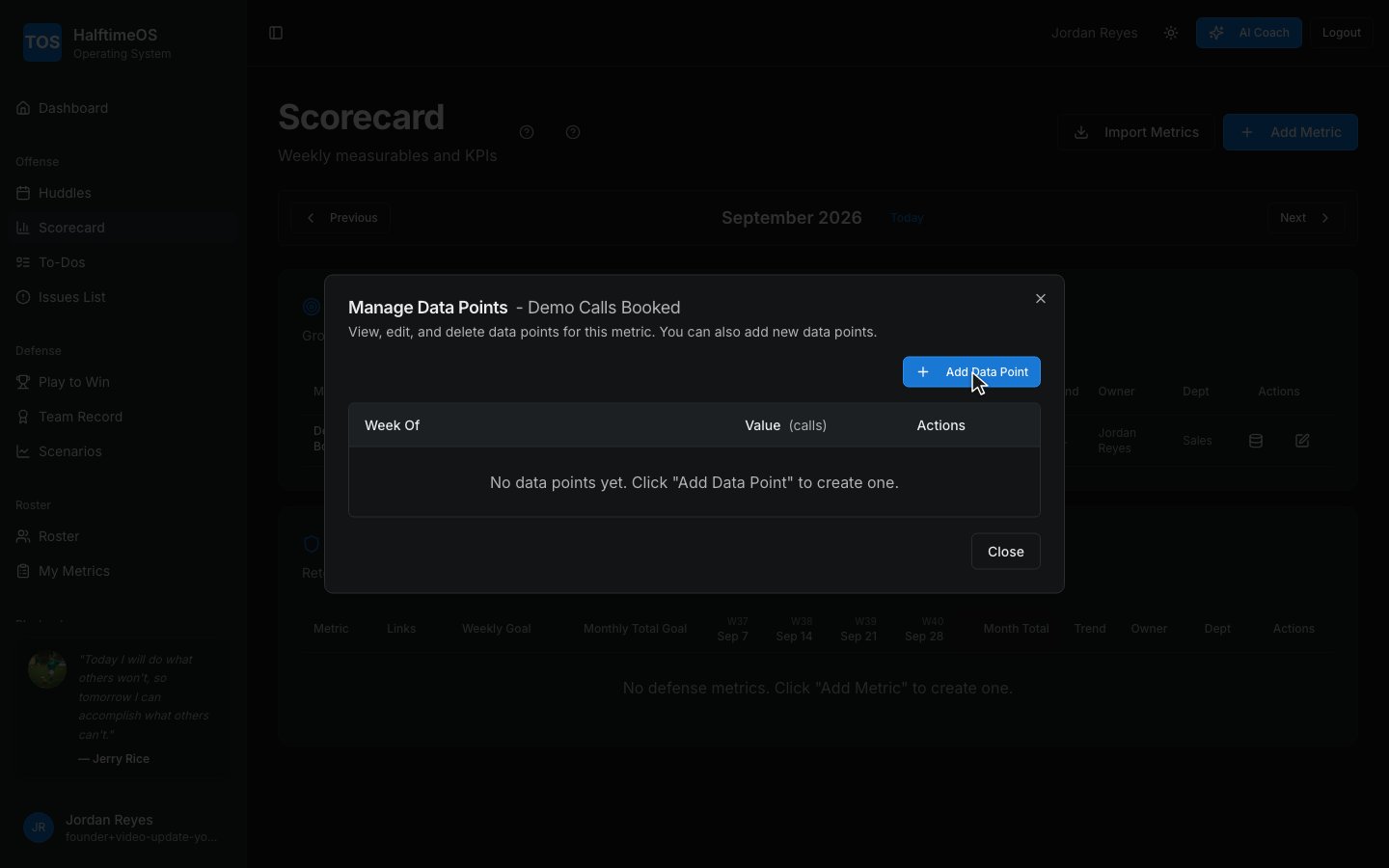
Step 3
Add a data point for this week.
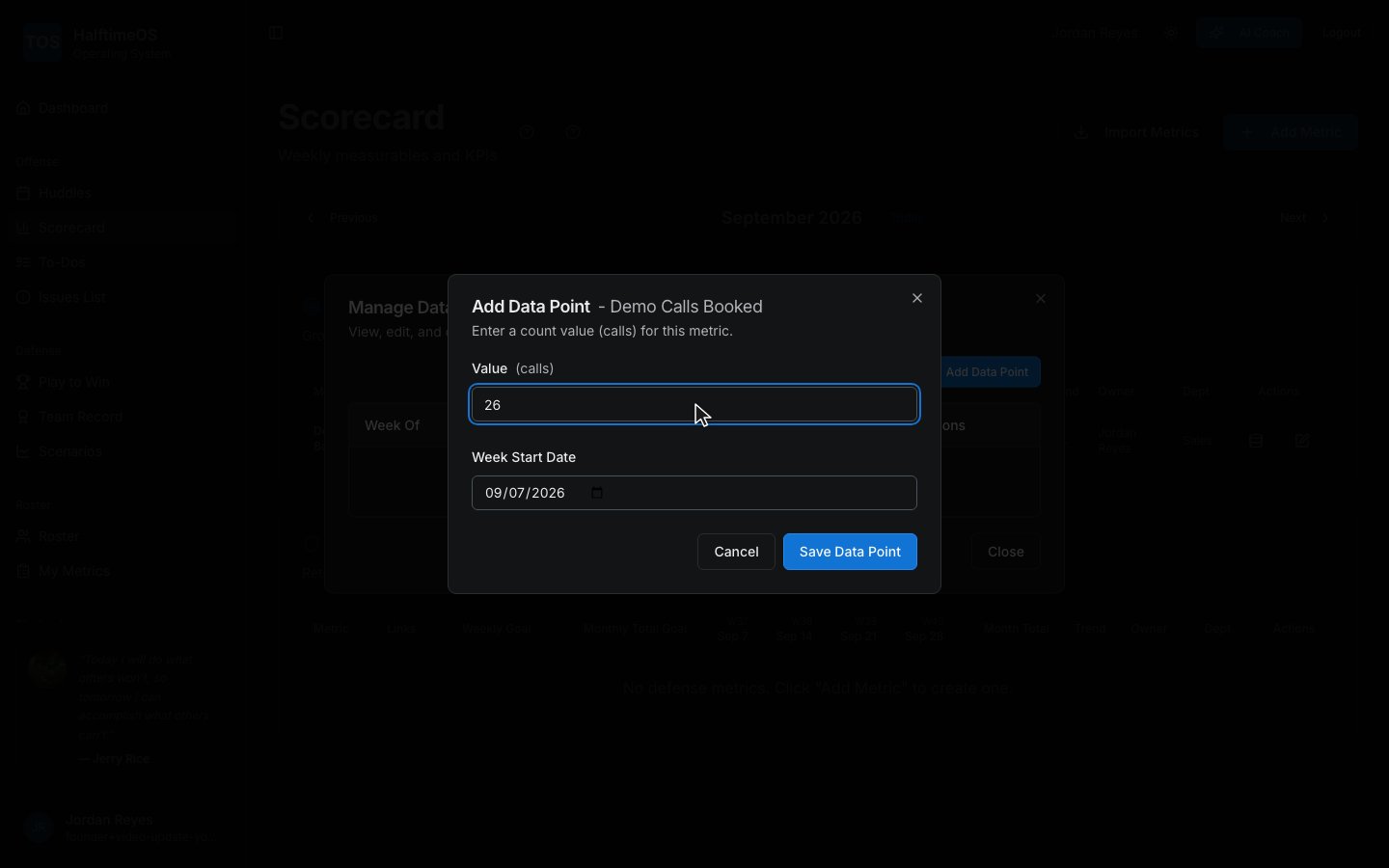
Step 4
Type in this week's real number.
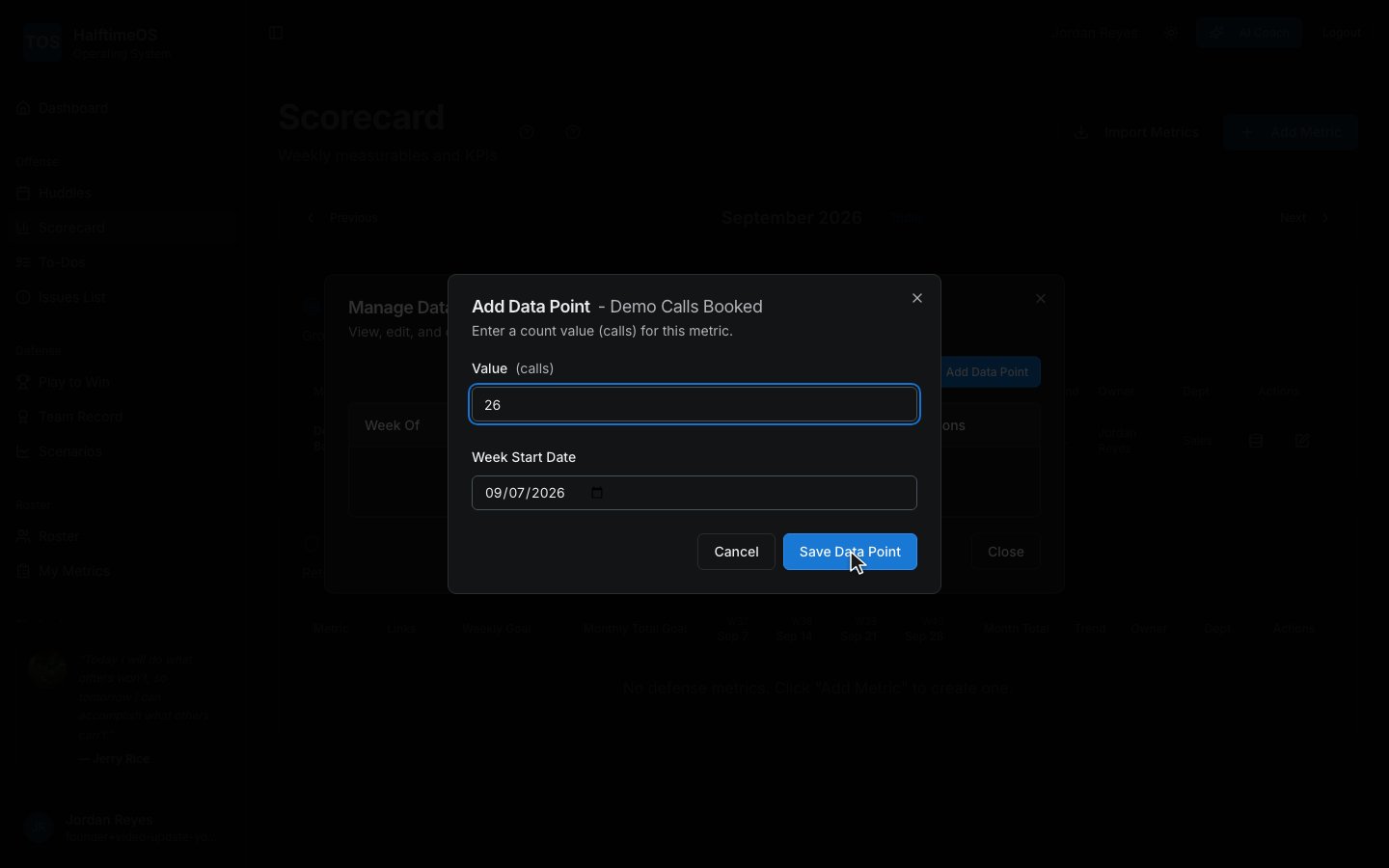
Step 5
Save it, and it's on the scoreboard — trend, target, and all.