
← All videos
Getting Started
Running a Weekly Huddle
How to run your team's weekly meeting, start to finish.
Step by step
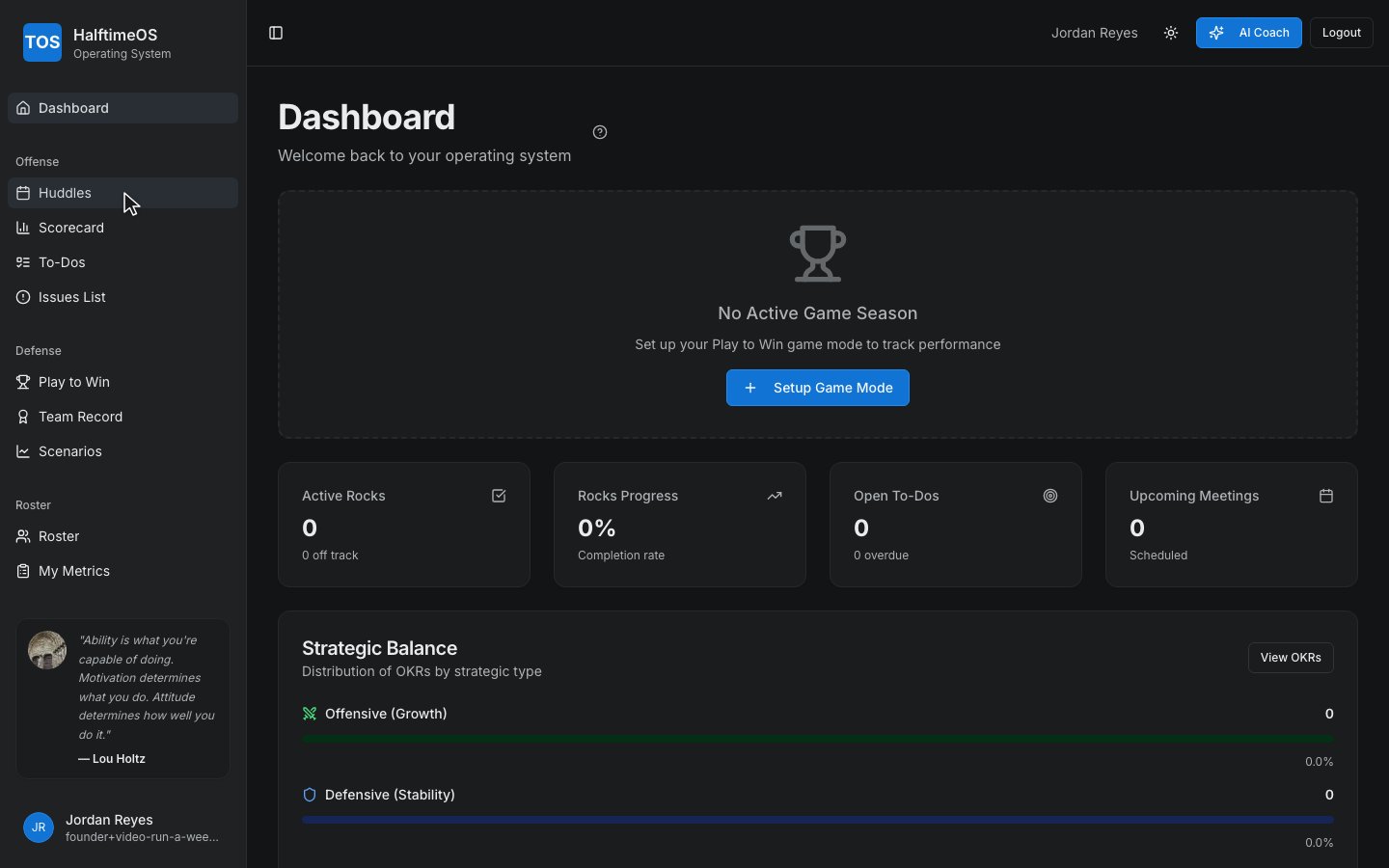
Step 1
Open Huddles from the sidebar to find this week's meeting.
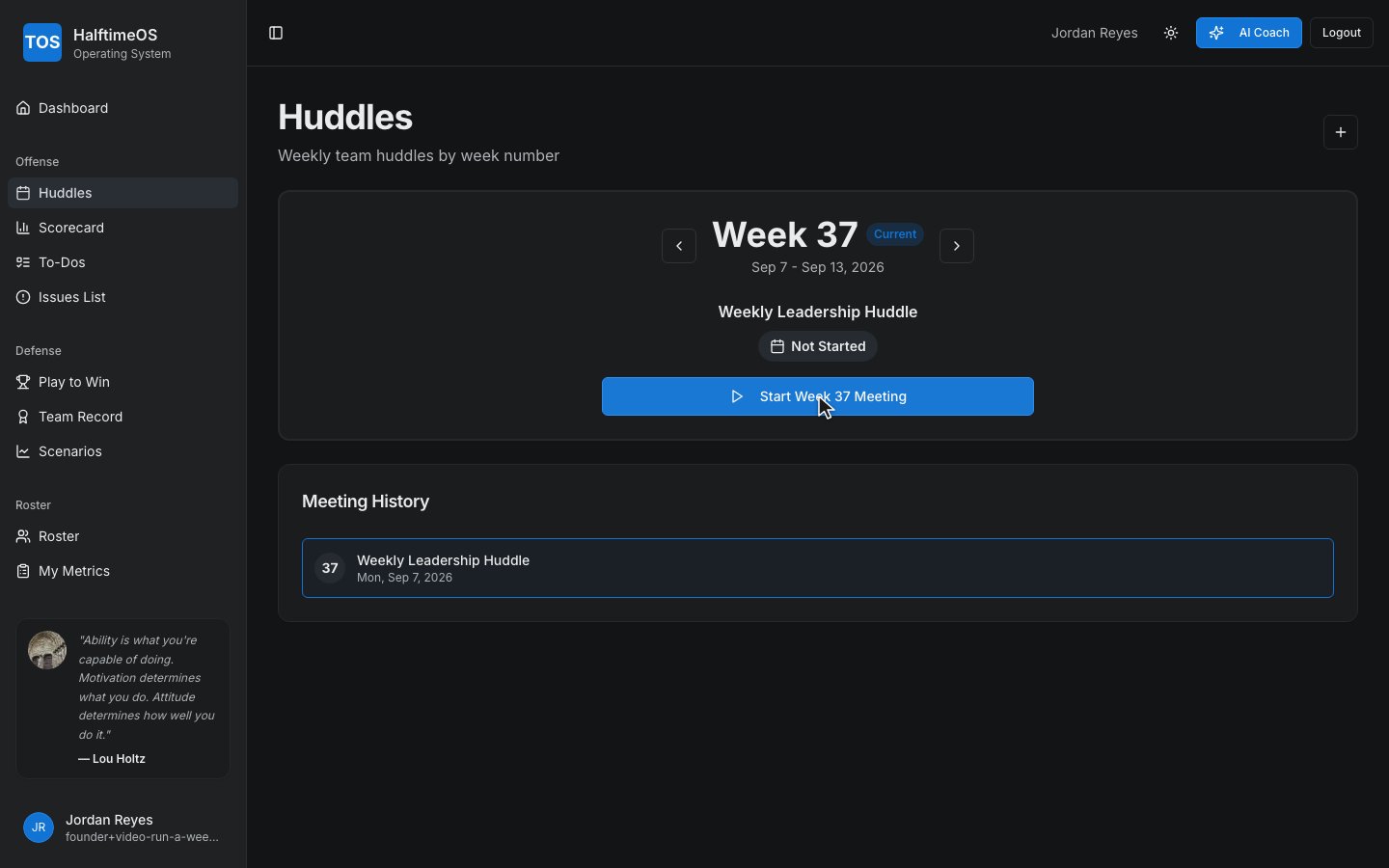
Step 2
Start the meeting, and the agenda runs itself.
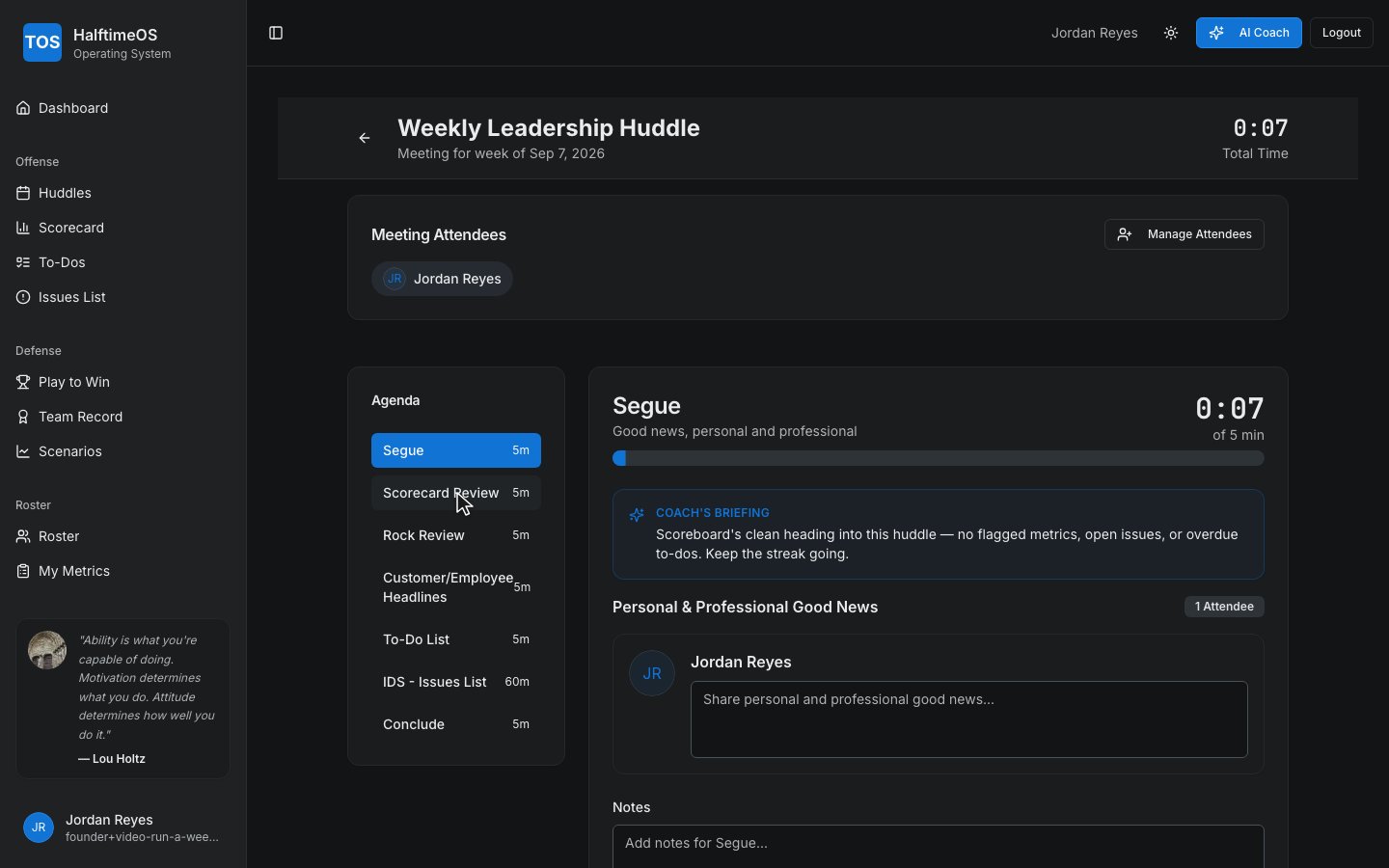
Step 3
Every huddle opens with a quick segue — good news, personal and professional.
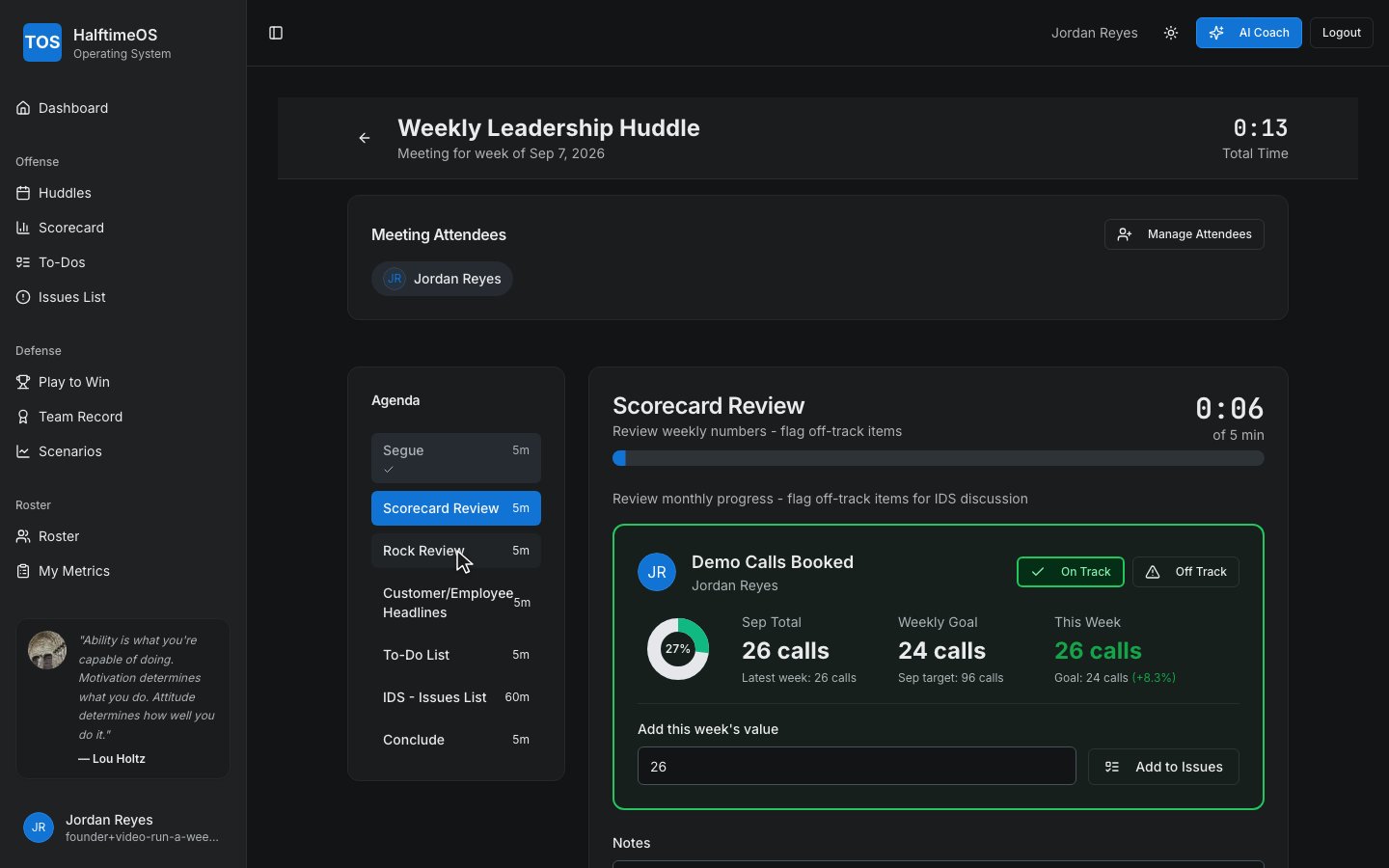
Step 4
Next, review the scorecard together and flag anything off track.
Step 5
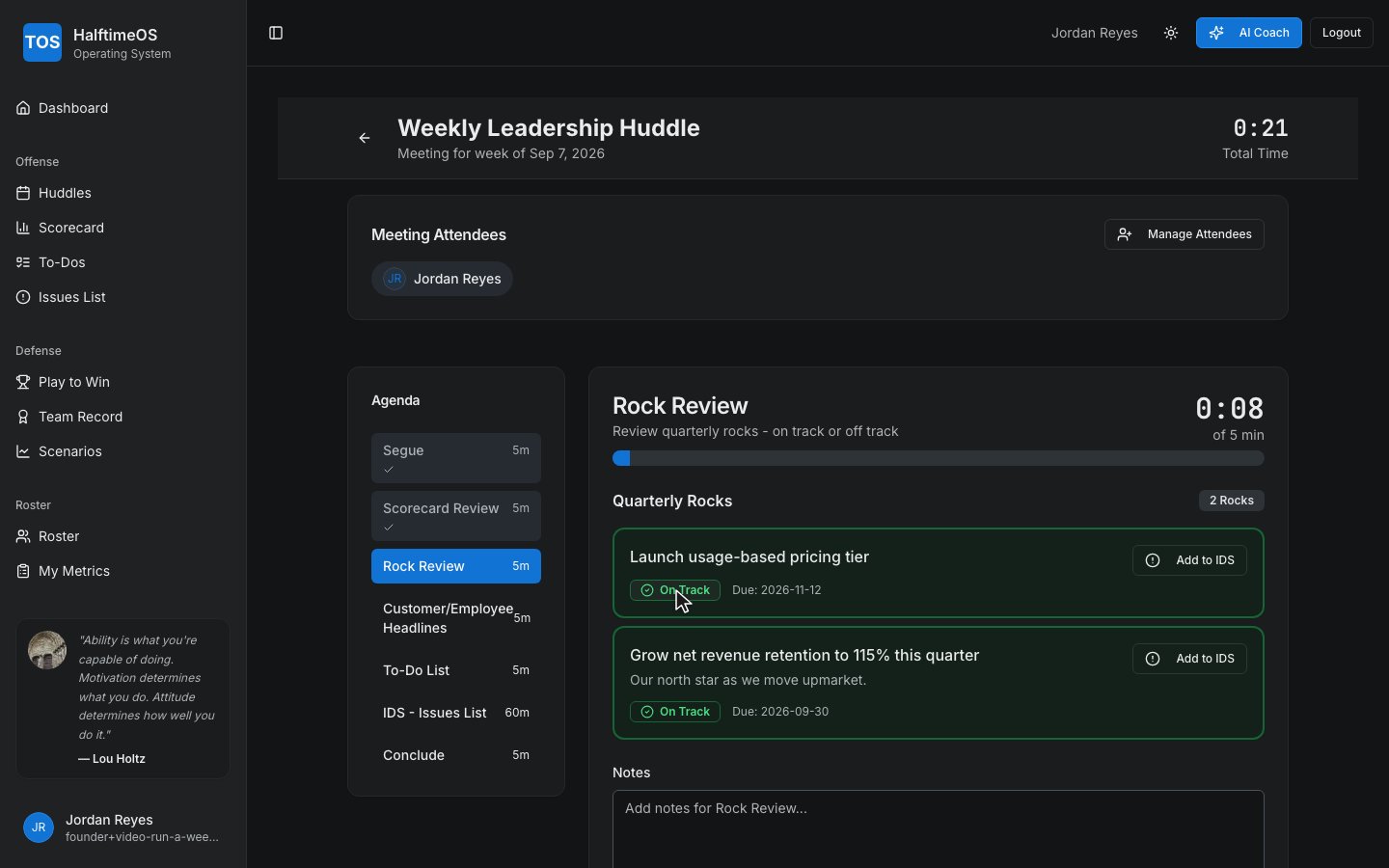
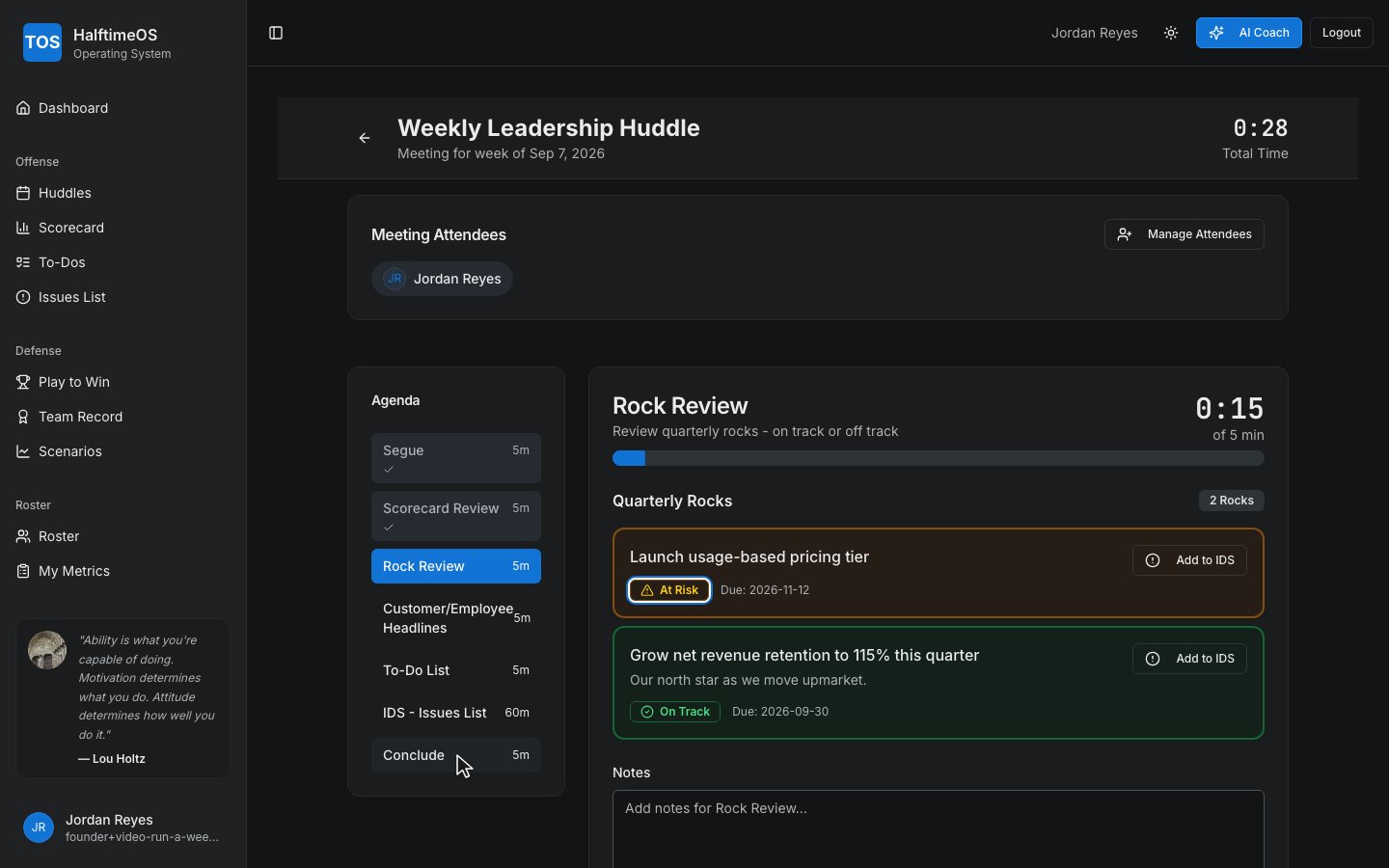
Then walk through your Rocks — still on track, or does something need attention.
Step 6
Wrap up in Conclude — recap what everyone owns before next week.